
Repository pin
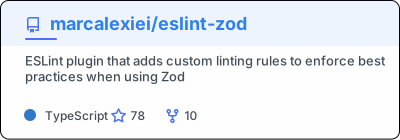
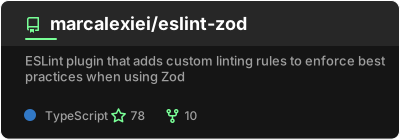
GitHub lets a profile pin six repositories. This card is one repository as an image, so a README can show as many as it likes, in whatever order it likes.
?username=octocat&repo=hello-world&show_owner=true&show=topicsRequired
Section titled “Required”| Option | What it is |
|---|---|
username | The owner’s GitHub login |
repo | The repository name, without the owner |
Showing more than stars and forks
Section titled “Showing more than stars and forks”show takes a comma-separated list. topics draws the repository’s topics in a row under the
description, as many as fit. prs_opened, prs_commented, prs_reviewed, issues_opened and
issues_commented each add a count, for the repository rather than for the user.
Options
Section titled “Options”| Option | Values | What it does |
|---|---|---|
show_owner | true false | Put the owner’s login above the repository name |
show | the list above | Topics and extra counts to draw |
show_icons | true false | Draw an icon beside each count |
description_lines_count | a number | Lines the description wraps to, then is cut |
Plus the common options.